How to make Payment against Sales Invoice
A payment against a Sales Invoice records money received from a customer and links it to the correct invoice, reducing the invoice’s outstanding balance.Open the Sales Invoice you want to receive payment for.
- Click Create at the top-right of the invoice.
- Select Payment from the dropdown menu.

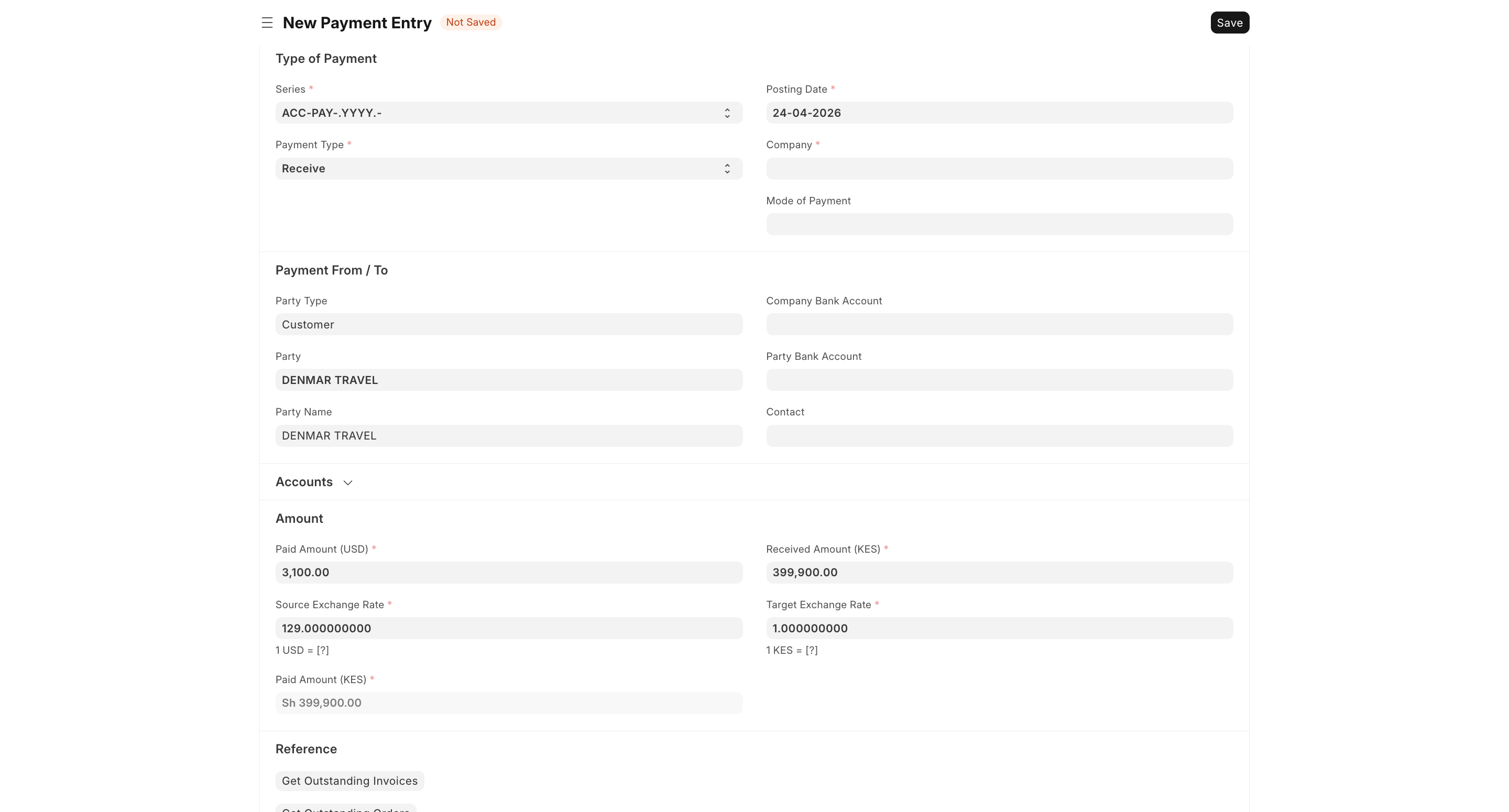
- A new Payment Entry will open.
- Confirm the payment details:
- Payment Type: Receive, Pay or Internal Transfer
- Company
- Posting Date
- Mode of Payment
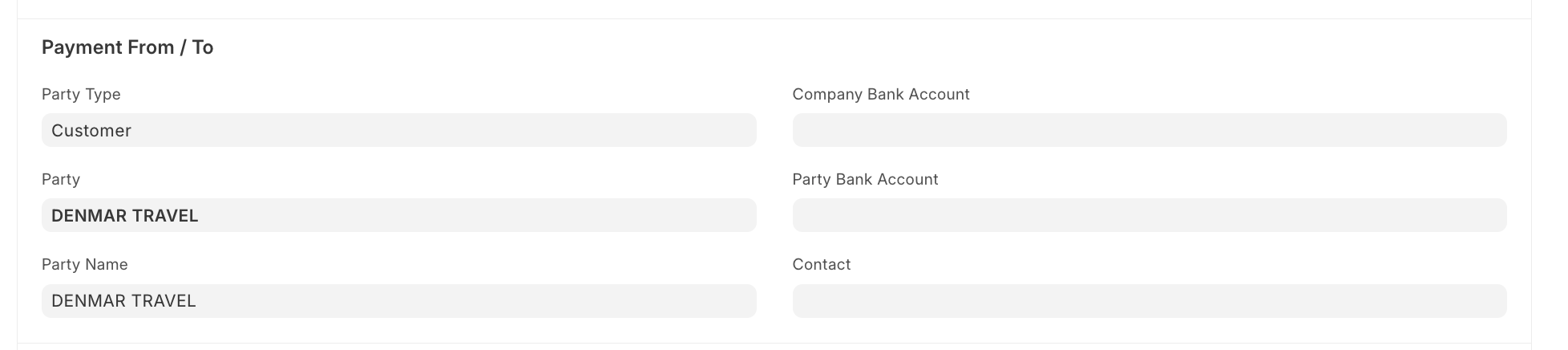
- Check the customer details:
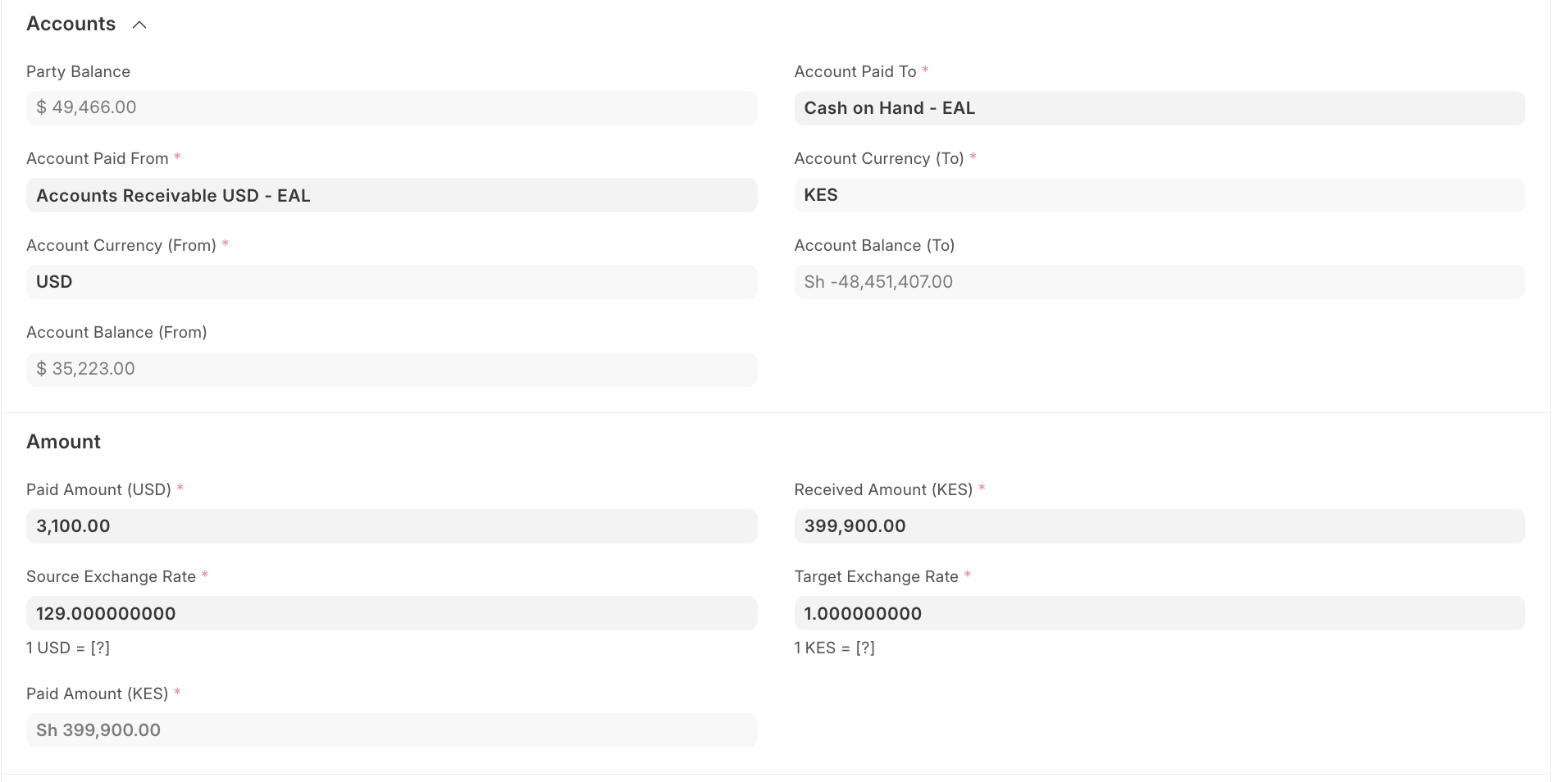
- Check Accounts & Amount Section
- Accounts:
- Account Paid From: Customer receivable account (e.g., Accounts Receivable USD)
- Account Paid To: Where money is received (e.g., Cash/Bank)
- Currencies: Confirm both From (USD) and To (KES)
- Review balances for accuracy
- Amount
- Enter Paid Amount (USD)
- System calculates Received Amount (KES) using exchange rate
- Verify:
- Exchange Rate
- Converted Amount (KES)
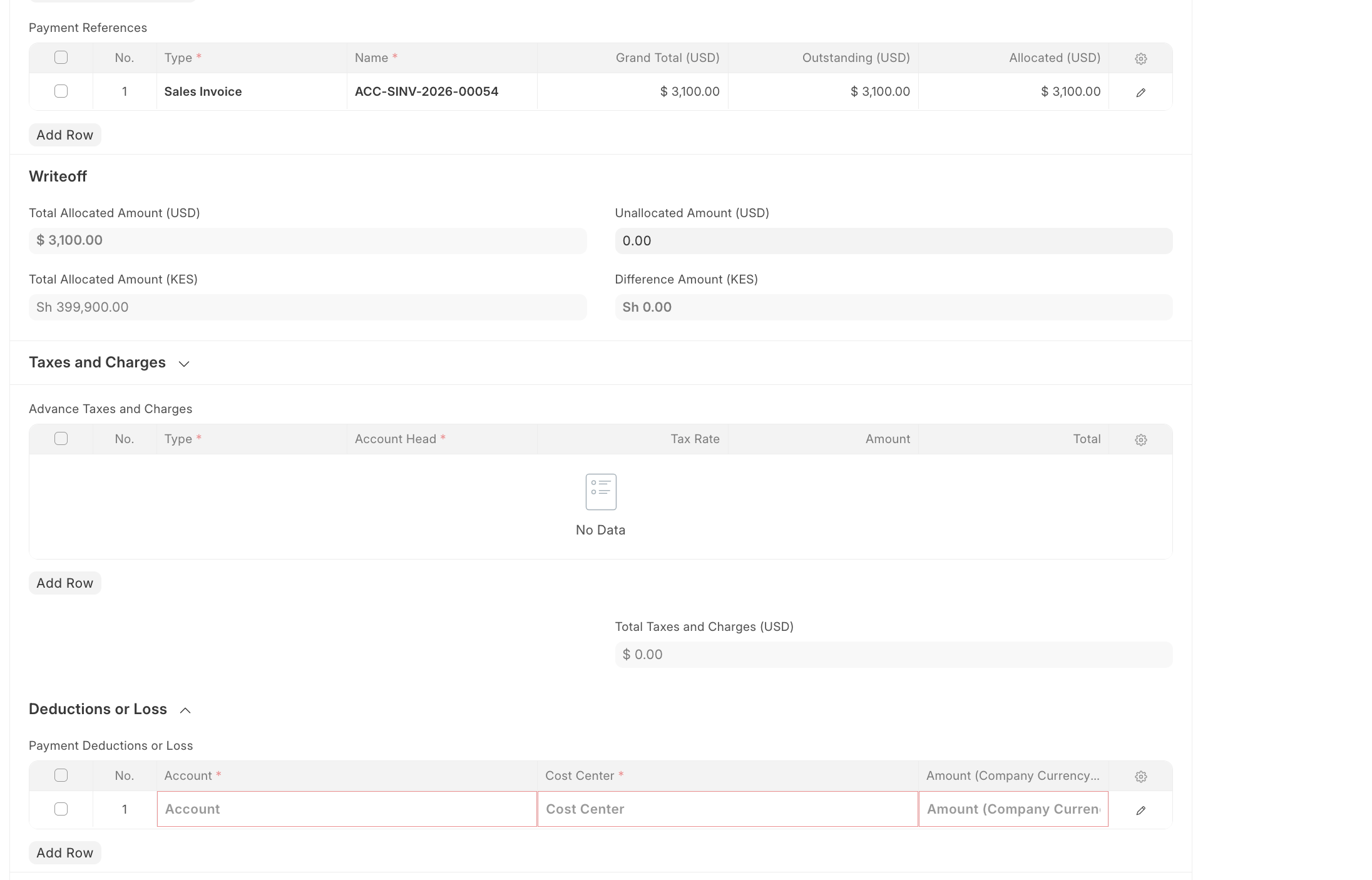
- Review any taxes and charges, deductions, or reference details if applicable.
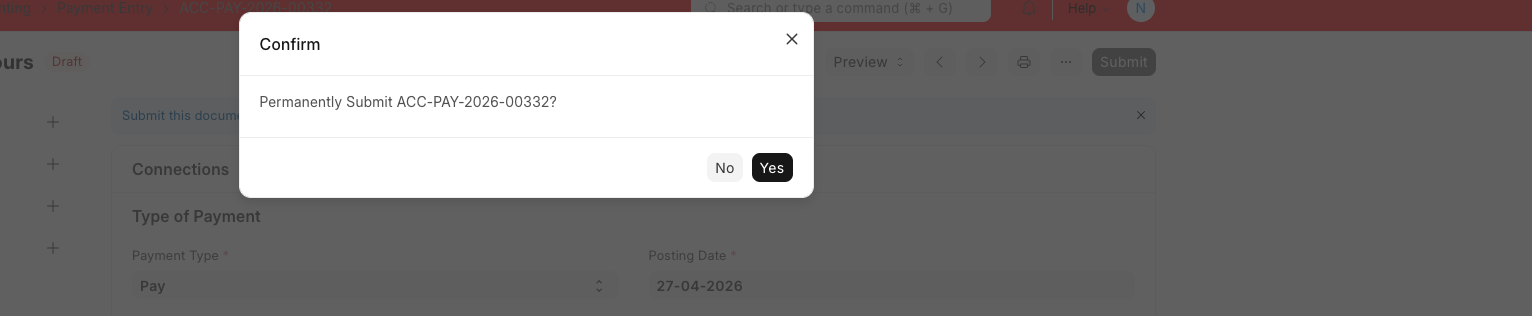
- Click Save, then Submit to confirm the payment.
Last updated 4 months ago
Was this helpful?