How to Make Purchase Invoice Payment
Steps to Make Purchase Invoice Payment
Click Create Payment in the already created Purchase Invoice

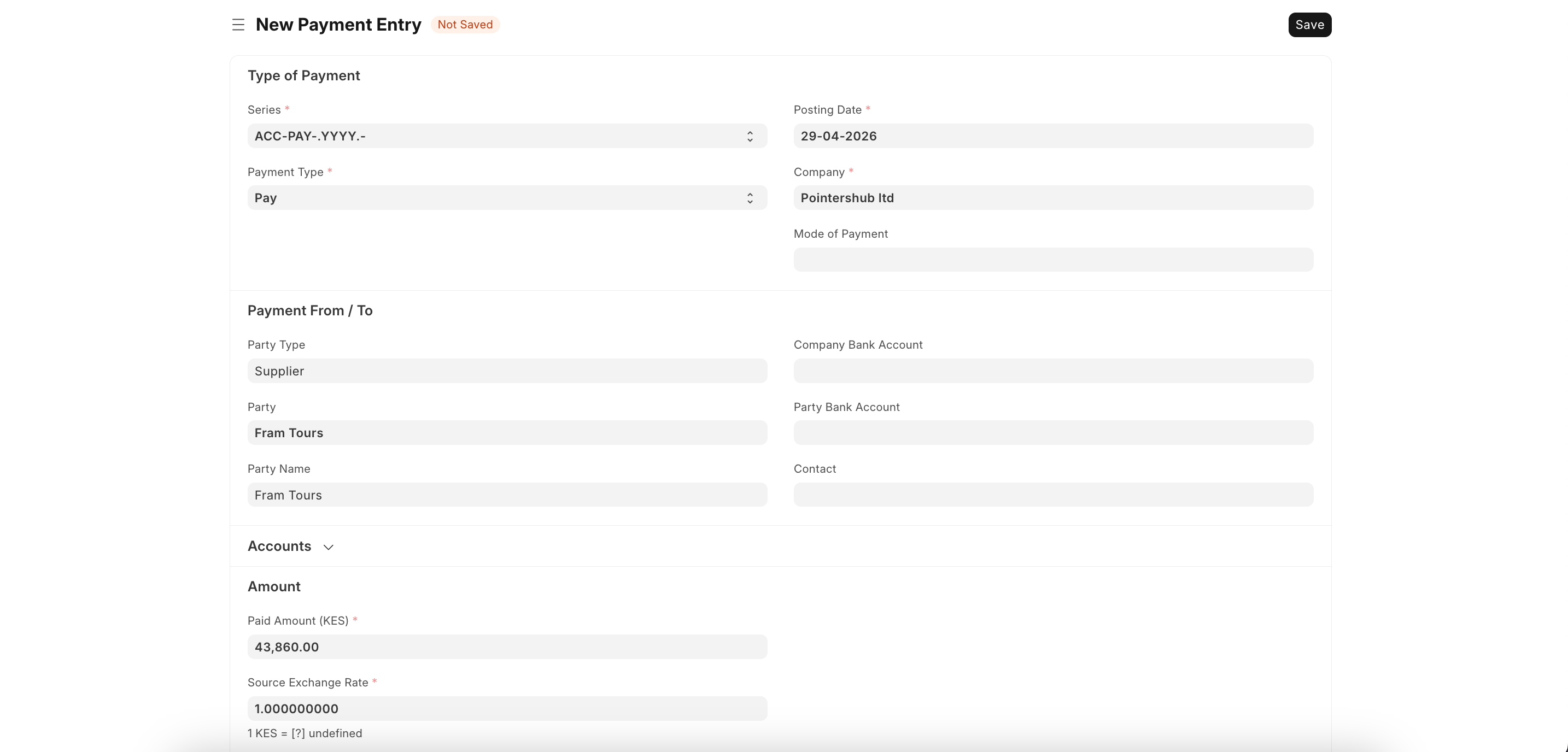
After the page opens:
- Select Payment Type; Pay or Receive
- Enter basic details; Posting Date, Company, Mode of Payment(Cash, Cheque etc.)
- Choose Party; Supplier/Customer.
- Set accounts; Company & Party bank accounts.
- Enter amount and check exchange rate.
- Save and Submit.
Last updated 4 months ago
Was this helpful?