Review and Submission
- Under the Payments section review payment-related information if required.
- Ensure the booking is correctly tied to any payment records where applicable. This section helps maintain financial tracking for the booking.

- Click Save at the top right of the form.
- Click then Submit, the booking will be created in the system and will no longer appear as Not Saved but as Submitted.
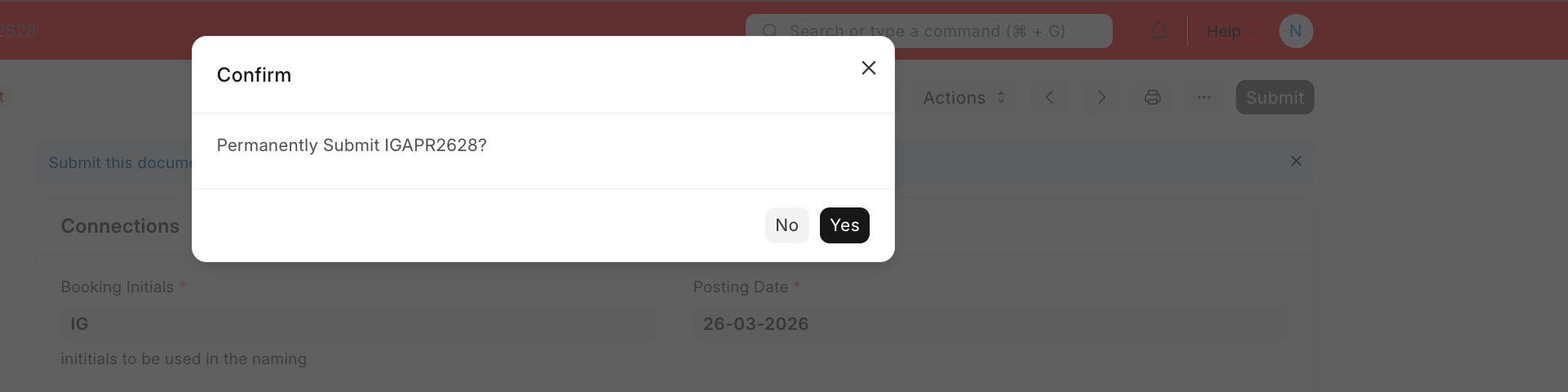
The booking will then be available in the Booking list for viewing.
Last updated 4 months ago
Was this helpful?