A Workstation stores information regarding the place where the workstation operations are carried out.
Data regarding the operation cost, rent, electricity can be stored here.
An Operation takes place at a Workstation. The Operation is the work performed and the Workstation is the place/machine where it is performed. For example, melting is an Operation that can be done at 10 different Workstations.
How to create a Workstation
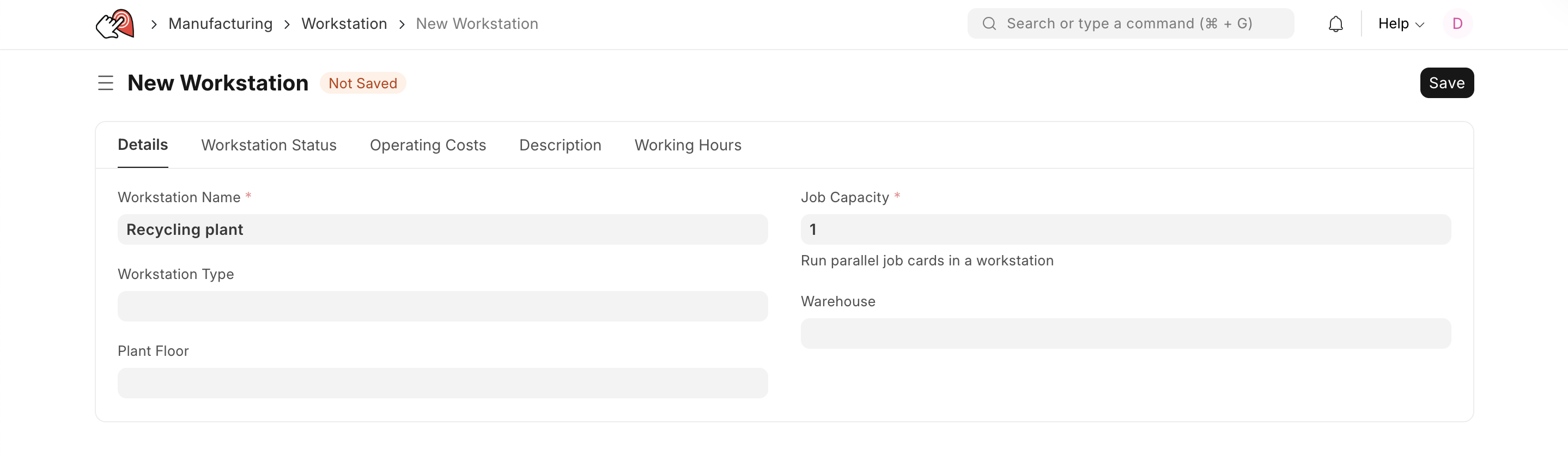
- Go to the Workstation list, click on New.
- Enter a name for the Workstation.
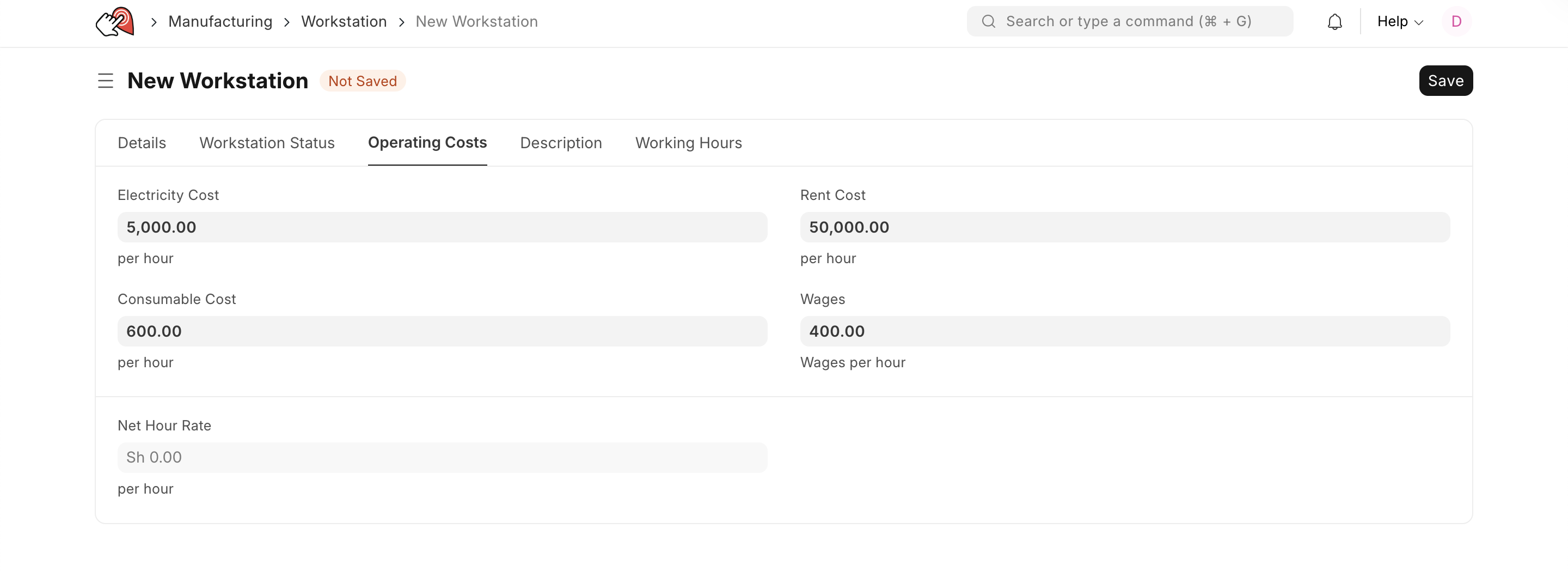
- Under Operating Costs, enter operating component with the cost:
- Electricity
- Rent
- Consumables
- Wages
- Save.
Last updated 5 months ago
Was this helpful?