Attendance is a record stating whether an Employee has been present on a particular day or not.
In Frappe HR, you can mark and record the attendance of an Employee on a daily basis using the Attendance doctype.
To access Attendance, go to:
Home > Human Resources > Attendance
Prerequisites
Before creating an Attendance record, it is advised that you create the following first:
- Employee
- Shift Type
How to create an Attendance
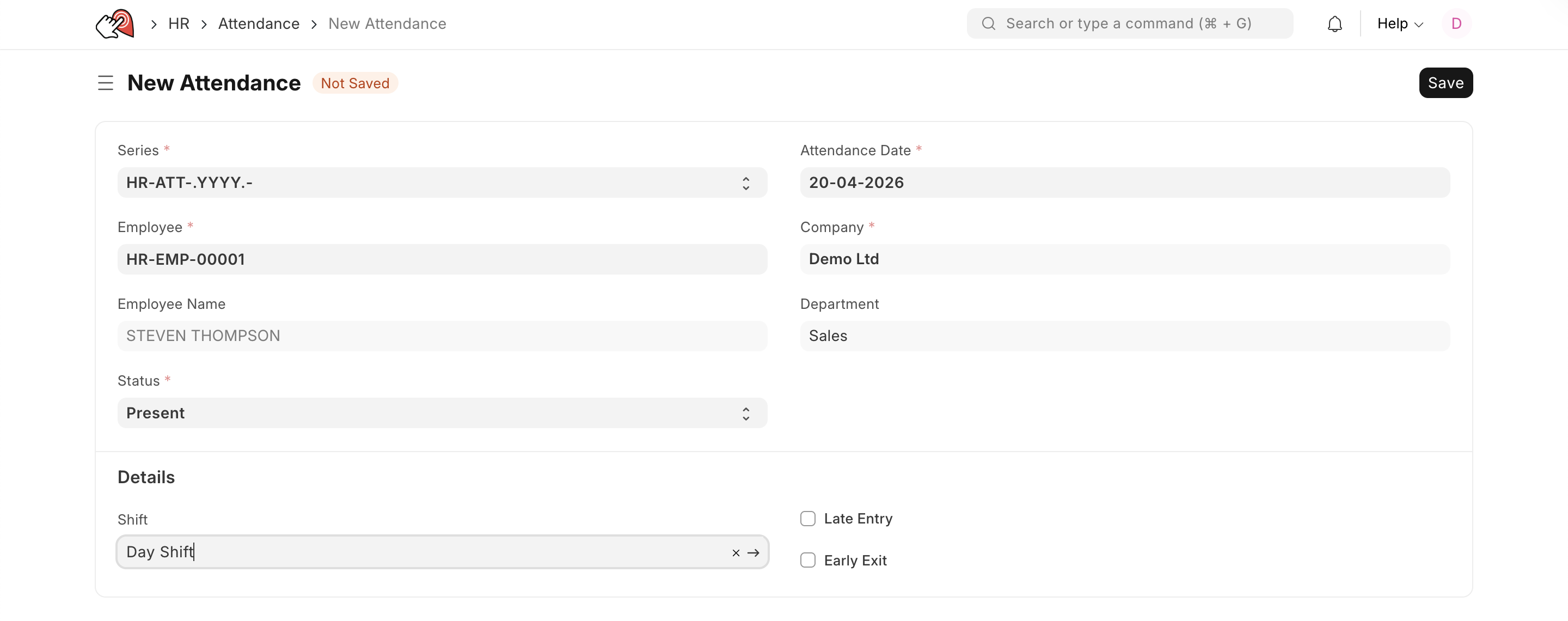
- Go to the Attendance list, click on New.
- Select the Employee.
- Select the Attendance Date.
- Select the Shift (optional).
- Select the Status (Present, Absent, On Leave, Half Day).
- Save and Submit.
Last updated 5 months ago
Was this helpful?