Steps to Create Letter Of Offer
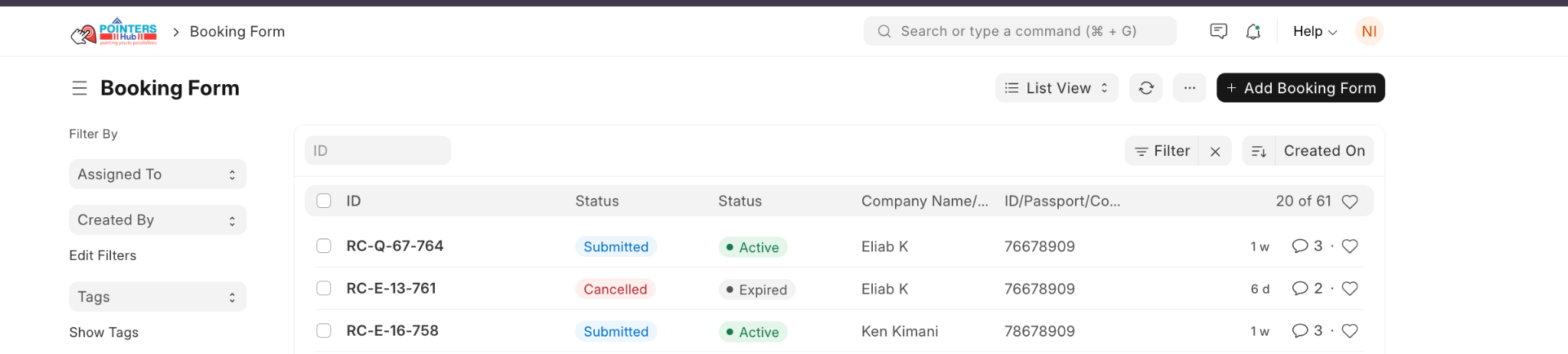
1. Open the Booking
- Go to Booking Form.
- Select the relevant booking (e.g., RC-Q-67-764).
- Ensure the booking is Submitted and Active.
3. Create Letter of Offer
- Click the Create button (top right).
- From the dropdown, select Create Letter of Offer.

4. Review Generated Letter Of Offer
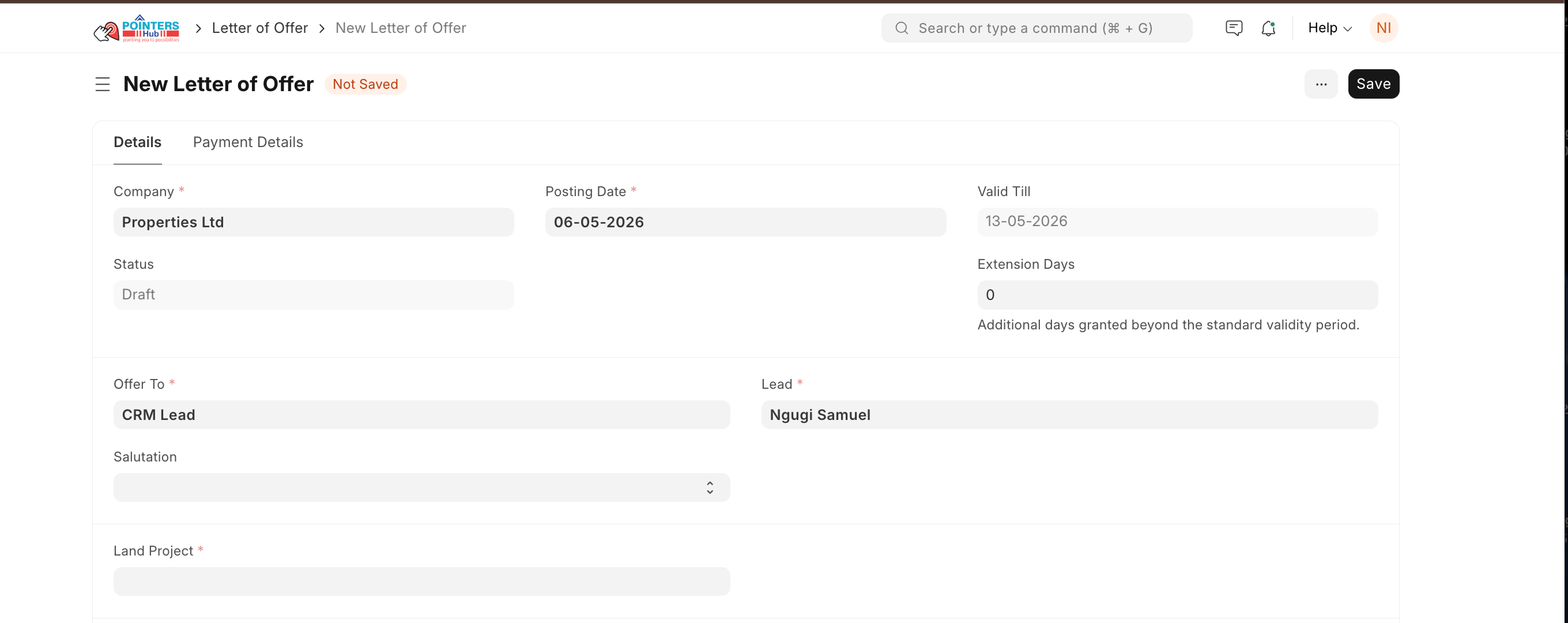
The system will auto-create the Letter of Offer.
Check all details:
- Customer information
- Property/Plot details
- Pricing and terms
- Validity period
6. Save and Submit
- Click Save.
- Then click Submit to finalise the Letter of Offer.
Last updated 4 months ago
Was this helpful?